Case Study
IG Metrics - Desktop Analytics Tool
IG Metrics is a cross-platform desktop app that helps users analyze Instagram export files, identify accounts that do not follow back, and take action with sortable lists and exportable data.
Timeline
A few weeks (10-30 hours)
Platform
Desktop (Electron)
Problem
Instagram users can export follower/following data, but quickly understanding who is not following back is still a manual and frustrating process. IG Metrics turns raw JSON exports into immediate relationship insights and actionable lists.
Target users include creators, influencers, ratio-focused casual users, and small business accounts that actively monitor audience quality.
Screenshots
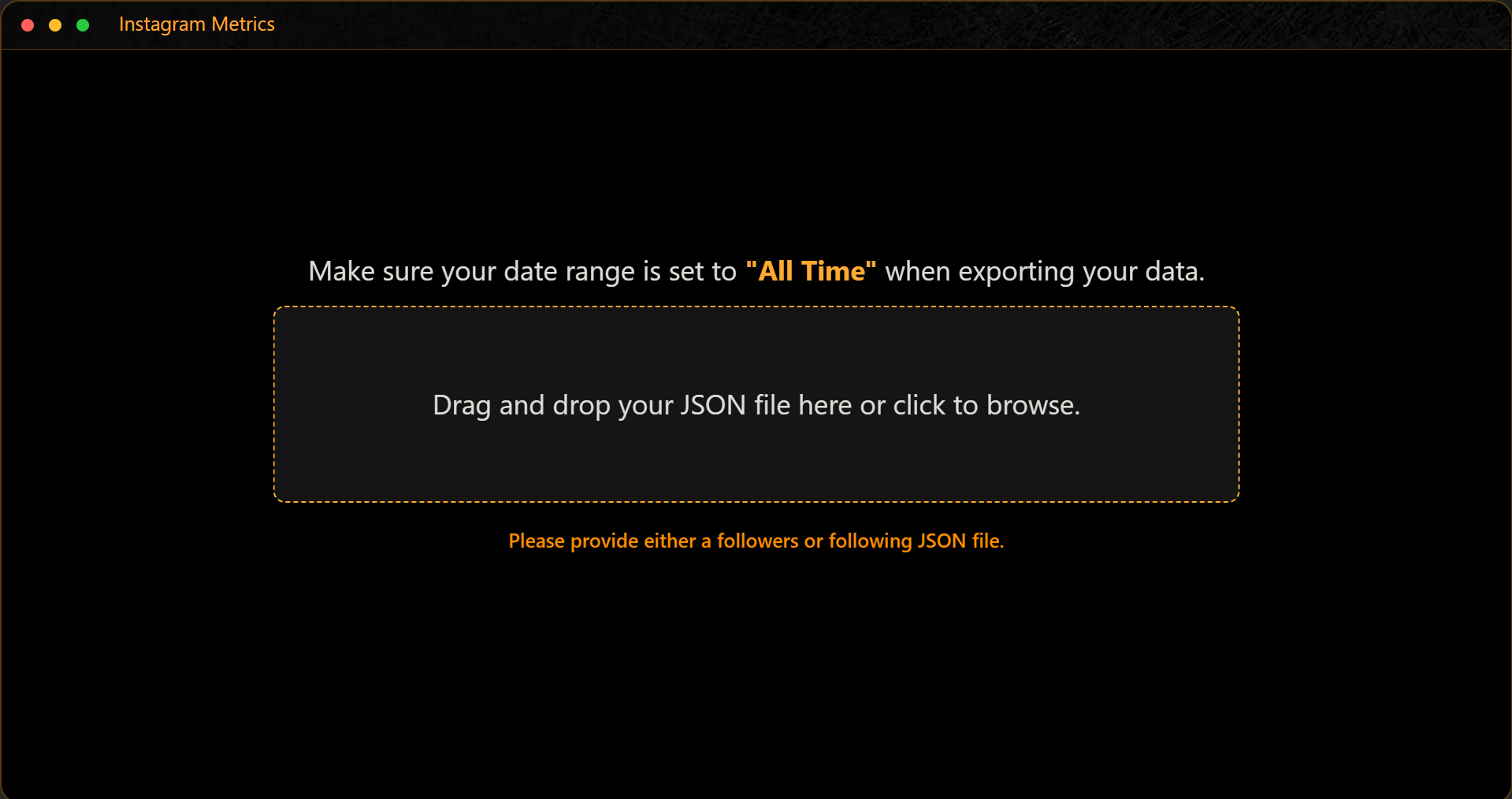
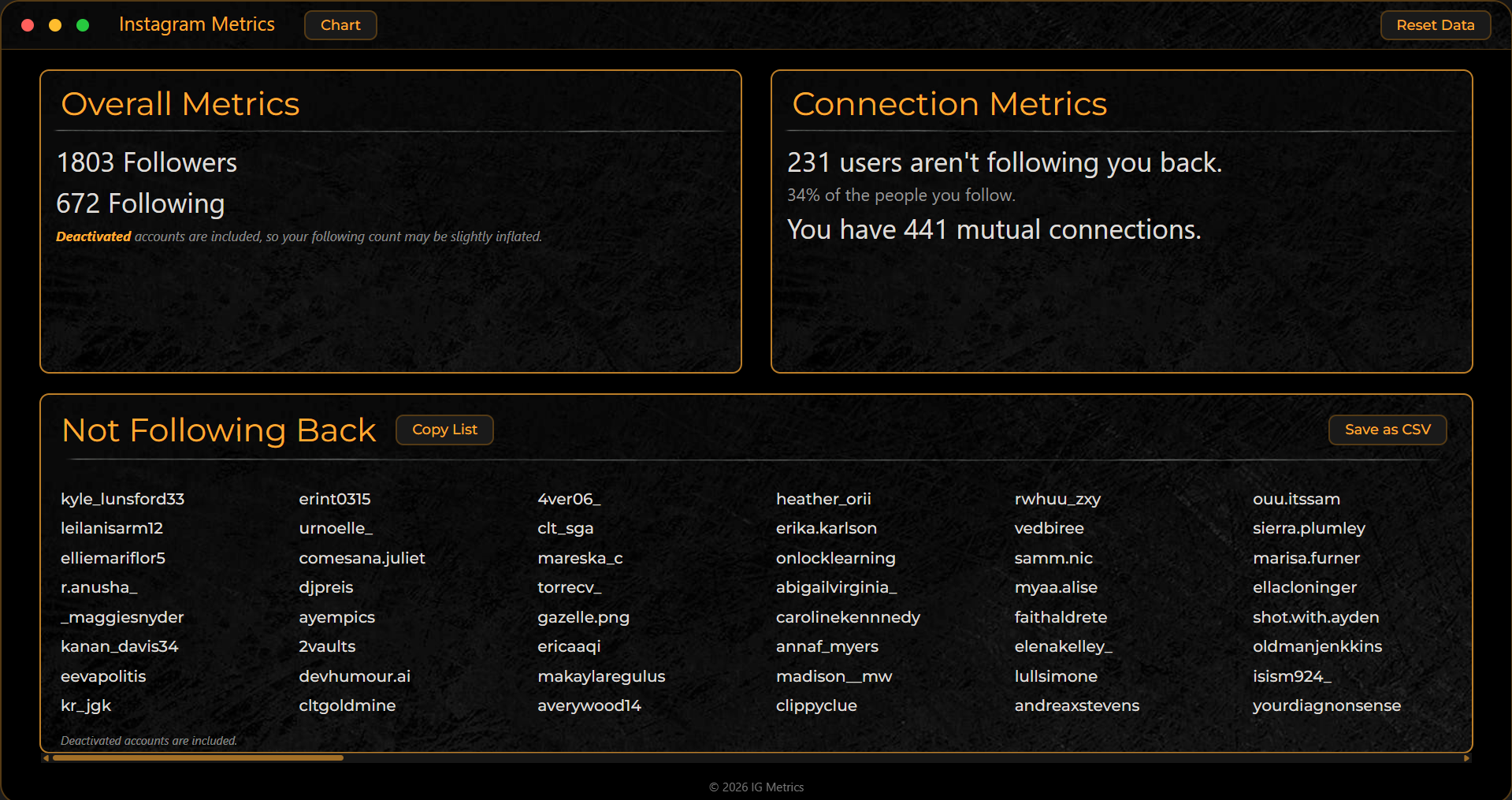
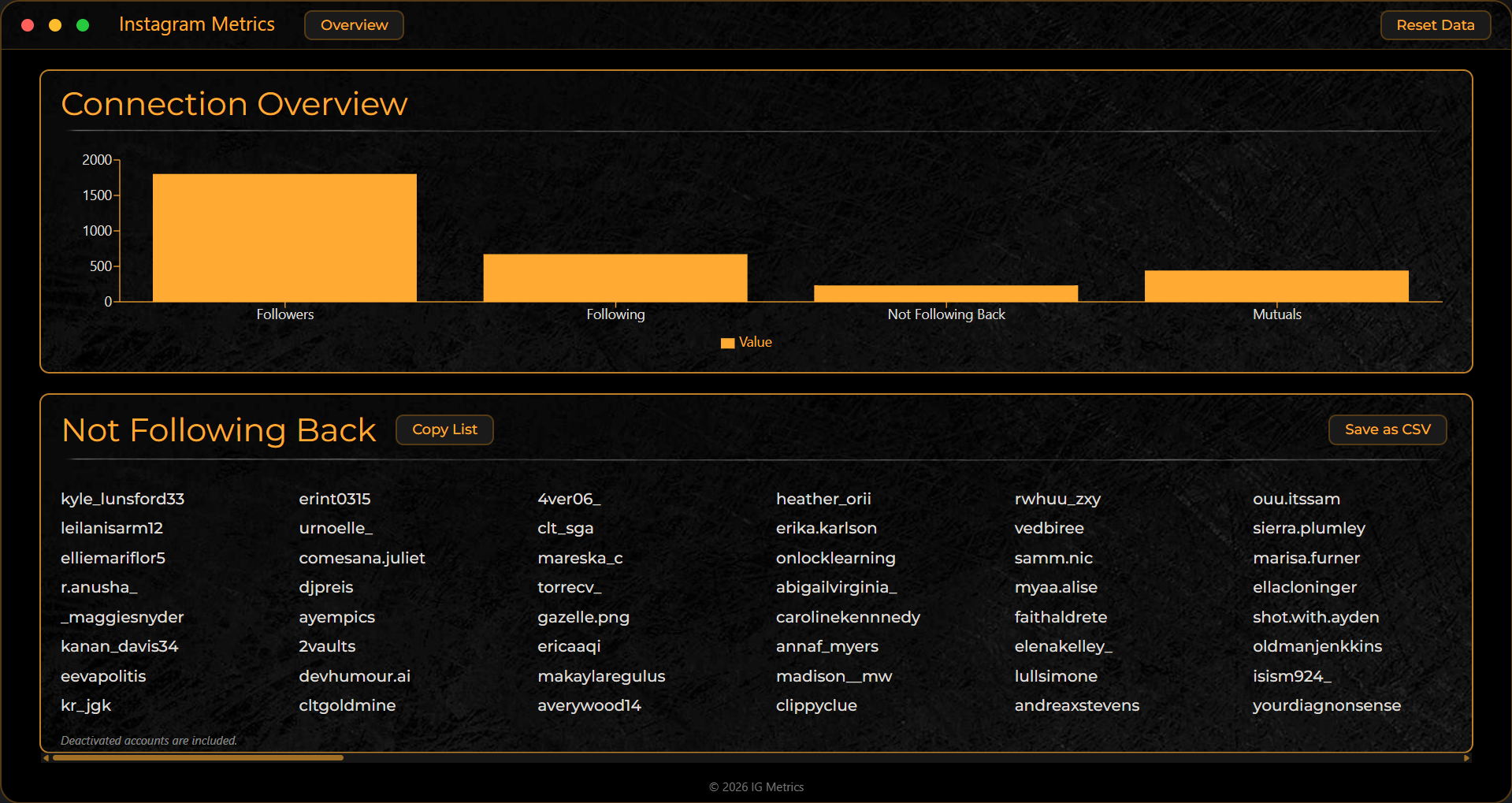
Onboarding, KPI overview, and chart visualization from the production desktop app.
Approach And UX Decisions
- Minimal onboarding that asks users to import follower/following JSON files.
- Main interface split into Overall Metrics, Connection Metrics, and Not Following Back list.
- Top-level toggle switches metrics panels into a chart-driven view for faster scanning.
- Orange accenting in the app UI to improve contrast and highlight actionable controls.
Architecture
- Electron main process creates a frameless transparent desktop shell and loads Vite dev server or built HTML via FORCE_DEV.
- Secure renderer bridge via preload scripts with contextBridge/ipcRenderer for window controls and CSV save.
- React + Vite frontend handles import flow, metric computation, and overview/chart view switching.
- electron-builder + NSIS packaging with GitHub Releases distribution and electron-updater hooks.
Implementation Highlights
Import Parsing For Multiple JSON Schemas
if (Array.isArray(json)) {
  json.forEach(obj => tempFollowers.push(obj.string_list_data[0].value));
} else if (json.relationships_following) {
  json.relationships_following.forEach(obj => tempFollowing.push(obj.title));
}
Set-Based Diff For Better Performance
const notFollowingBack = following.filter(
  user => !new Set(followers).has(user)
);

const followersNotFollowedBack = followers.filter(
  user => !new Set(following).has(user)
);
Secure CSV Export Through IPC
// renderer
await window.electronAPI.saveCSV(csvContent);

// main
ipcMain.handle("save-csv", async (_, csvContent) => {
  // save dialog + write file
});
Desktop Packaging And Updates
Built with electron-builder and NSIS installer pipeline, then distributed via GitHub Releases with electron-updater lifecycle hooks for update checks.
Challenges And Solutions
Challenge: Different Instagram export schemas
Solution: A single import handler branches by JSON shape and routes data into the correct processing pipeline.
Challenge: Dataset comparisons at scale
Solution: Converted arrays to sets before filtering to keep comparisons near linear time.
Challenge: Desktop-native actions without exposing Node in renderer
Solution: Tight contextBridge API surface for explicit and minimal IPC communication.
Challenge: Packaging metadata bugs
Solution: resolved release pipeline and build permissions by running VS Code with elevated privileges during packaging tasks.
Tech Stack
ElectronReactViteNode.jsRechartsElectron Builderelectron-updaterJavaScript (ES6+)CSS
Outcome
Current reach is early-stage (one active user and no external feedback yet), but the project successfully validated a complete desktop workflow: import to process to visualize to export to distribution.
What I Learned
- Electron wraps web technologies into real desktop product experiences.
- Secure preload boundaries are essential even in local-first desktop tools.
- A practical release pipeline (installer + updater) is part of product development, not an afterthought.